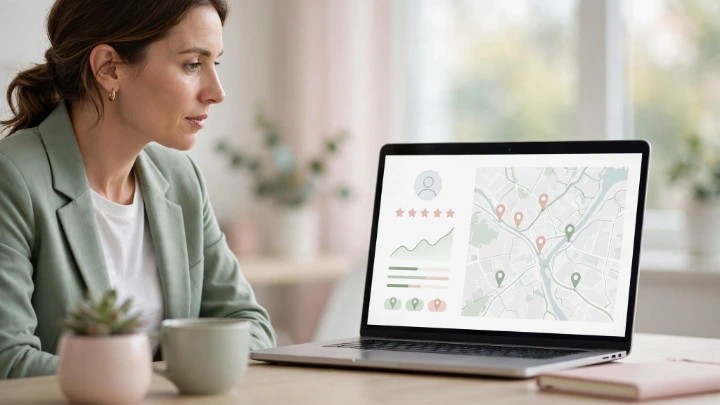
A strong Google Business Profile can help local customers discover your business when they search on Google and Google Maps. By keeping your business information accurate, adding useful photos, managing customer reviews, and following local SEO best practices, you can build a stronger online presence and make it easier for potential customers to find and contact your business.
What Is Google Business Profile Optimization?
Google Business Profile optimization means improving your business profile so customers can easily understand who you are, what you offer, where you are located, and how they can contact you. A well-maintained profile can provide useful information to people searching for local products and services on Google Search and Google Maps.
Why Is Google Business Profile Important for Local Businesses?
Your Google Business Profile is often one of the first places potential customers see when they search for a local business. A complete and accurate profile can help customers find important information such as your business location, opening hours, services, contact details, photos, and reviews. Keeping this information updated can also create a better experience for people who are considering your business.
How to Optimize Your Google Business Profile
- Keep Your Business Information Accurate
Make sure your business name, address, phone number, website URL, business hours, and other important details are accurate and consistent. Updated information helps customers know where to find you and how to contact your business.
- Choose the Right Business Category
Select the primary business category that best describes your main service. You can also add relevant secondary categories when they accurately represent the services your business provides.
- Add High-Quality Business Photos
Add clear and relevant photos that help customers understand your business. Depending on your business, you can include photos of your location, products, services, team, or completed work. Keep your images current and make sure they accurately represent your business.
- Keep Your Business Hours Updated
Keep your regular business hours and special holiday hours up to date. Accurate hours help customers know when they can visit or contact your business and can prevent confusion caused by outdated information.
- Manage and Respond to Customer Reviews
Encourage satisfied customers to share honest reviews about their experience with your business. Respond to reviews professionally and courteously, including both positive and negative feedback. Regularly monitoring reviews can help you understand customer needs and maintain a positive online presence.
- Add Accurate Services and Business Details
Add the services your business actually provides and keep the information clear and up to date. Useful service descriptions can help potential customers understand what you offer before they decide to contact or visit your business.