But appearing on Google Maps is only one part of the process.
The bigger goal is to help the right customers find your business, understand what you offer, trust your business, and take the next step — such as visiting your website, calling you, requesting directions, or contacting you.
This is where Google Business Profile optimization and local SEO work together.
In this guide, you will learn practical ways to improve your Google Maps visibility and create a better local search experience for potential customers.
What Does It Mean to Get Customers from Google Maps?
Google Maps and Google Search can show local businesses when people search for products or services in a particular area.
For example, someone might search for:
- Local SEO services near me
- Google Business Profile services
- Digital marketing services near me
- A specific service in their city
Google uses business information to help determine which local results are relevant to a search. Local results are mainly influenced by relevance, distance, and prominence.
That means your goal should not simply be to add more keywords.
Your goal should be to make your business information accurate, complete, useful, and relevant to the customers you want to reach.
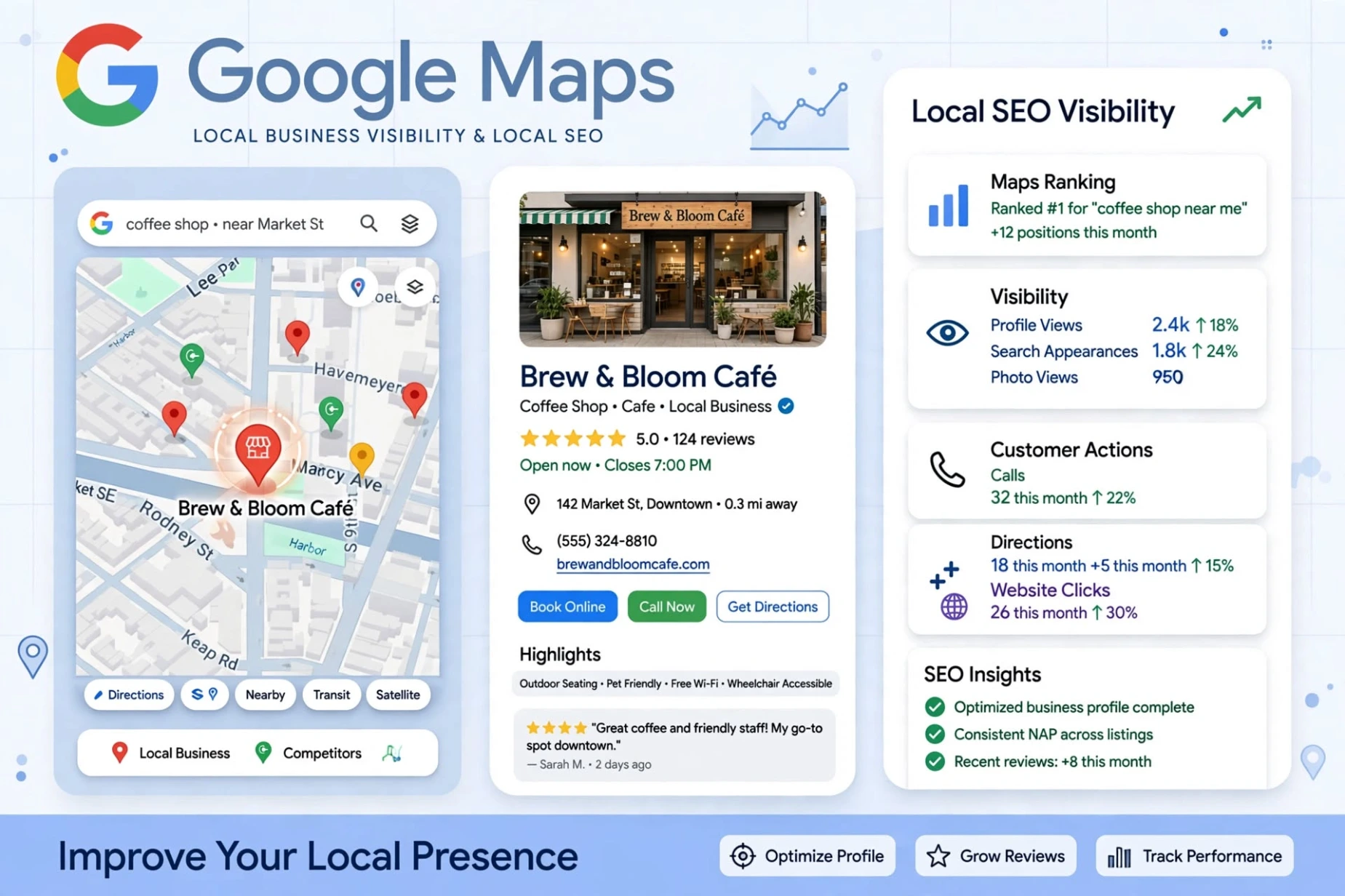
1. Complete Your Google Business Profile
Your Google Business Profile is one of the most important places where customers can learn about your business on Google.
Make sure your profile contains accurate information about:
- Business name
- Primary business category
- Address or service area
- Phone number
- Website
- Business hours
- Services
- Business description
Complete and accurate information helps Google understand what your business does and can help customers decide whether your business is relevant to their needs.
Do not add unnecessary keywords to your business name or description just to try to influence rankings.
Keep the information natural and accurate.
2. Choose the Right Business Category
Your primary business category helps Google understand what type of business you operate.
Choose the category that most accurately represents your main business.
If your business offers several related services, you may also be able to add appropriate additional categories where they genuinely apply.
The important point is relevance.
Do not choose a category simply because you think it might have more searches.
Choose the category that best describes the actual business.
3. Make Your Services Easy to Understand
Customers should not have to guess what your business offers.
Use clear service names and simple descriptions.
For example, a local SEO business might clearly explain services such as:
- Google Business Profile optimization
- Google Maps optimization
- Local SEO audit
- Local search optimization
- Website local SEO
Use language that your customers naturally understand.
Avoid repeating the same keyword again and again.
Good local SEO content should be written for people first.
4. Keep Your Website Connected to Your Local Presence
Your website and Google Business Profile should support each other.
Your website should clearly explain:
- What your business does
- Which services you provide
- How customers can contact you
- Which areas you serve
- Why customers should consider your service
Your important service pages should also be easy to find.
Internal links can help visitors move from one relevant page to another.
For example, you can connect your Google Maps content to your Local SEO service page.
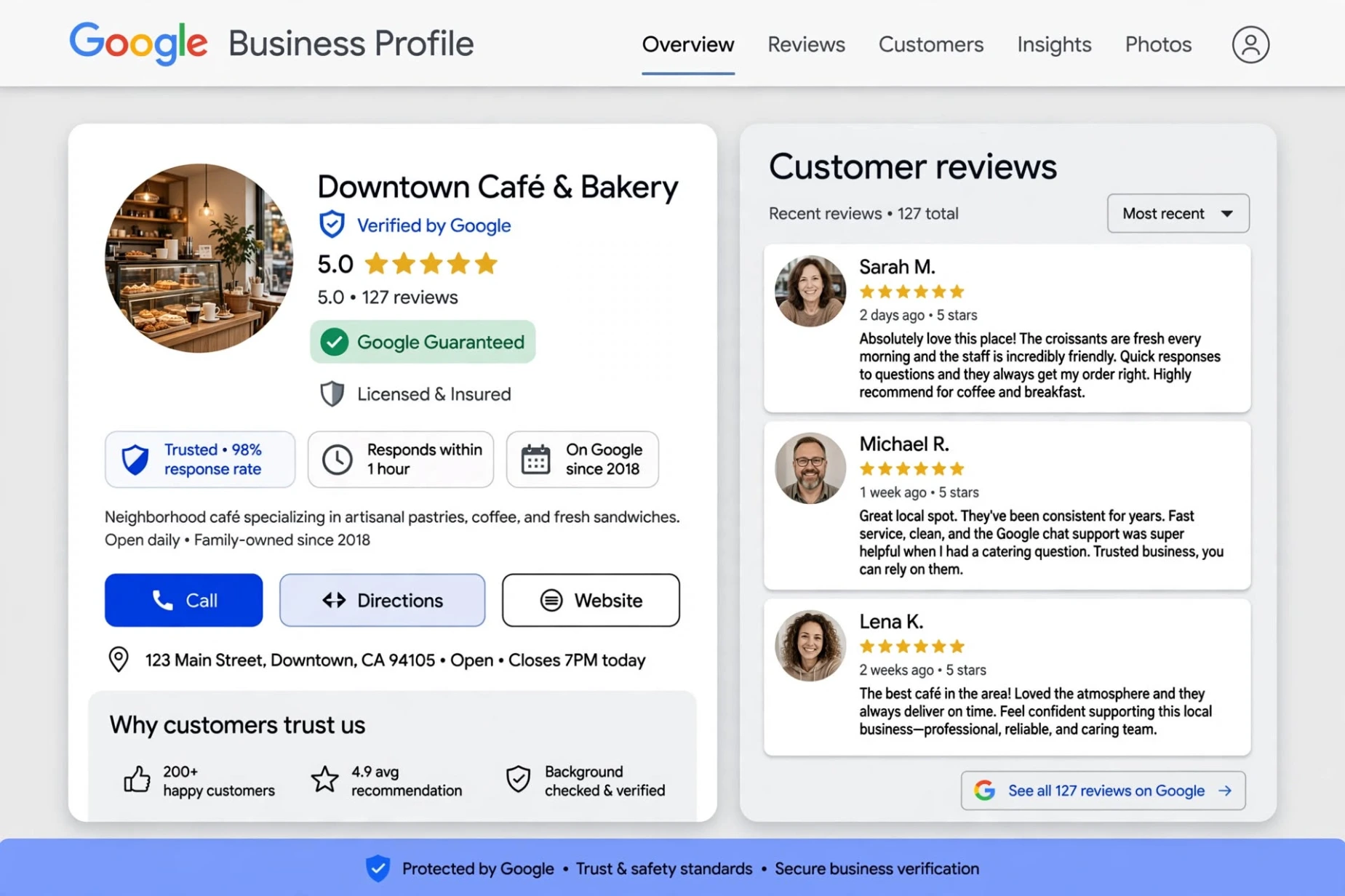
5. Build Trust with Genuine Customer Reviews
Reviews can help customers understand what it is like to work with a business.
Google recommends responding to customer reviews because replies show customers that you value their feedback.
Focus on genuine customer experiences.
Do not buy fake reviews or create reviews yourself.
Instead, provide a good service and make it easy for real customers to leave honest feedback.
When replying to reviews, keep your responses:
- Professional
- Helpful
- Natural
- Specific to the customer
- Respectful
The purpose is to build trust, not simply to add keywords.
6. Add Helpful and Relevant Photos
Good photos can help customers understand your business before they contact you.
For a local business, useful photos might include:
- Exterior photos
- Interior photos
- Products
- Services
- Team or working environment
- Before-and-after examples, where appropriate
- Other genuine business-related images
Google recommends clear, well-lit photos that accurately represent the business.
Avoid using misleading images or excessive editing.
7. Create Content Around Real Customer Questions
One of the best ways to make your website useful is to answer questions your potential customers actually ask.
Think about what someone would search before contacting your business.
For example:
- How does Google Maps help local businesses?
- How can I improve my Google Business Profile?
- Why is my business not showing in local search?
- How can customers find my local business online?
- What should a local business include on its website?
Create useful content around these questions.
The goal is not to write articles just to insert keywords.
The goal is to give visitors information that genuinely helps them.
8. Make Your Contact Information Easy to Find
Once a potential customer discovers your business, make the next step simple.
Your website should make it easy to find your:
- Contact page
- Phone number
- Email address
- Service information
- Business location or service area
If someone has already found your website through local search, they should not have to search through several pages to find out how to contact you.
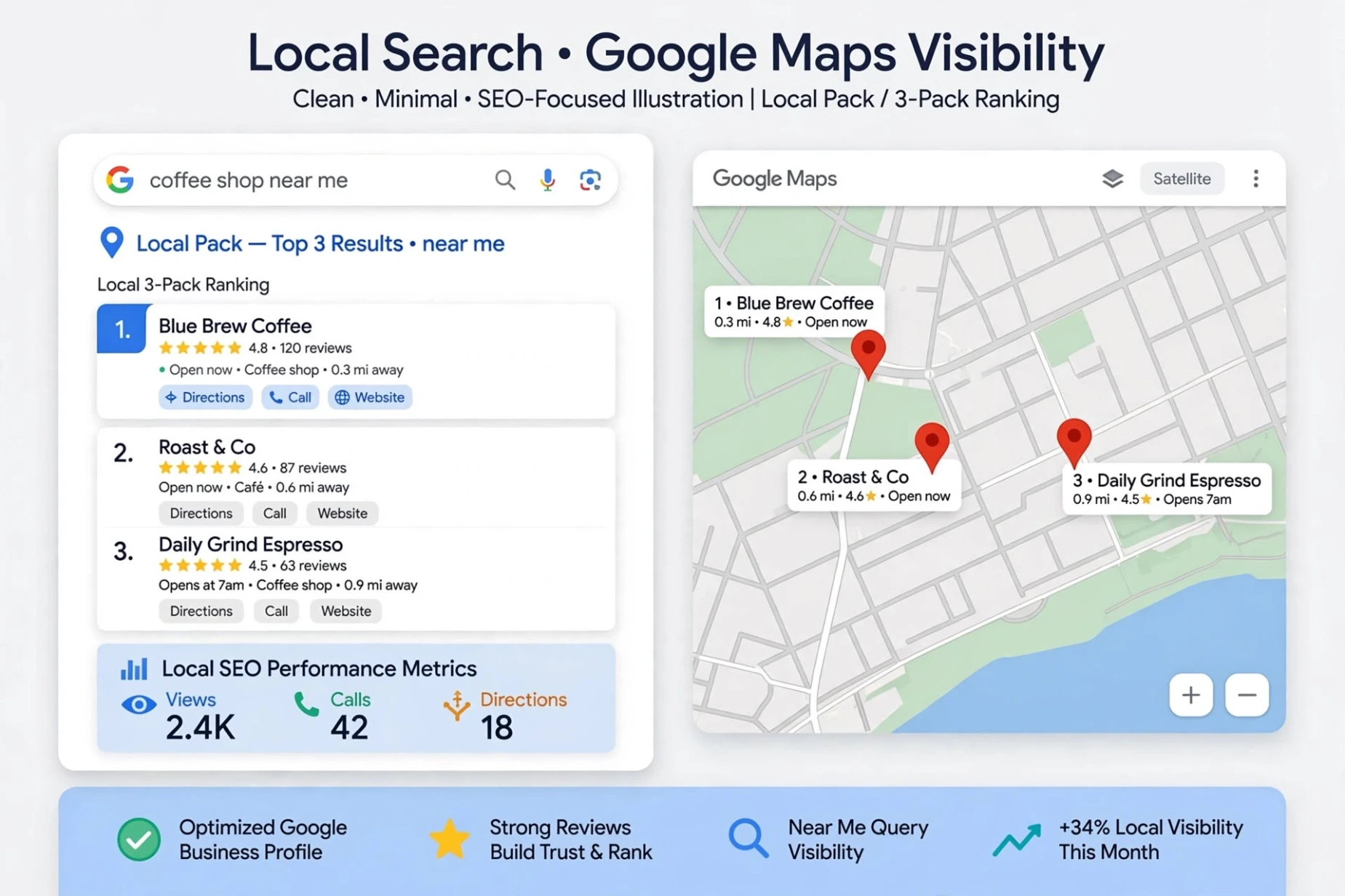
9. Understand Relevance, Distance, and Prominence
Google explains that local search results are mainly based on three factors:
Relevance
Relevance means how well your Business Profile matches what someone is searching for.
Complete and detailed business information can help Google better understand your business.
Distance
Distance refers to how far the business is from the person searching or from the location used in the search.
This is one reason why local rankings can differ from one searcher to another.
Prominence
Prominence refers to how well-known a business is.
Google says prominence can be influenced by information it has about a business across the web, including links and reviews.
Because these factors work together, there is no single trick that guarantees a particular position on Google Maps.
10. Avoid Shortcuts That Can Hurt Your Local SEO
When trying to improve Google Maps visibility, avoid shortcuts that do not represent your real business.
For example, avoid:
- Keyword stuffing
- Fake reviews
- Misleading business information
- Unnecessary location pages
- Spammy links
- False ranking claims
Google states that businesses should accurately represent themselves and follow its Business Profile guidelines.
A strong local SEO strategy is based on accurate information, useful content, genuine customer experiences, and consistent effort.
How Long Does It Take to Improve Google Maps Visibility?
There is no fixed number of days or weeks that guarantees a local ranking improvement.
Local search results can vary depending on the search query, location, competition, and the information Google has about businesses.
Instead of focusing only on a ranking position, monitor useful signs of progress such as:
- More relevant website visitors
- More calls
- More contact requests
- More direction requests
- More profile interactions
- Better engagement from local customers
Local SEO is usually a long-term process rather than a one-time change.
A Simple Google Maps Customer Checklist
Before finishing your local SEO work, check the following:
☐ Business information is accurate
☐ Primary category is relevant
☐ Services are clearly listed
☐ Website is connected correctly
☐ Contact information is easy to find
☐ Genuine customer reviews are being managed
☐ Relevant photos are available
☐ Website content answers customer questions
☐ Internal links connect related pages
☐ No keyword stuffing or misleading information is being used
Final Thoughts
Getting more customers from Google Maps is not about finding one secret trick.
It is about building a complete and trustworthy local presence.
Start with accurate Business Profile information. Make your services clear. Keep your website useful and connected to your local presence. Build genuine customer trust through real reviews and relevant photos. Then continue creating helpful content that answers the questions your customers are asking.
Google's own guidance emphasizes relevance, distance, and prominence rather than a guaranteed shortcut to a particular ranking position.
With consistent local SEO work, your website and Business Profile can give potential customers more useful information when they are searching for the services you provide.
Need Help With Local SEO?
If you want help improving your local online presence, you can explore our Local SEO Services.